- 3D OCT Viewer
OCT Image Viewer
- Zoom-in / out
- Drag / move
- Addition of frames
- Trimming (clipping), rotation
- Leveling of clipping plane from any point of view
- Segmentation (Isolation of desired part) *1
- Contrast setting, transparency and rendering
- Color histogram display
- Export as bitmap file or movie file (option)
- Simple data loading from Santec's IVS systems


Description
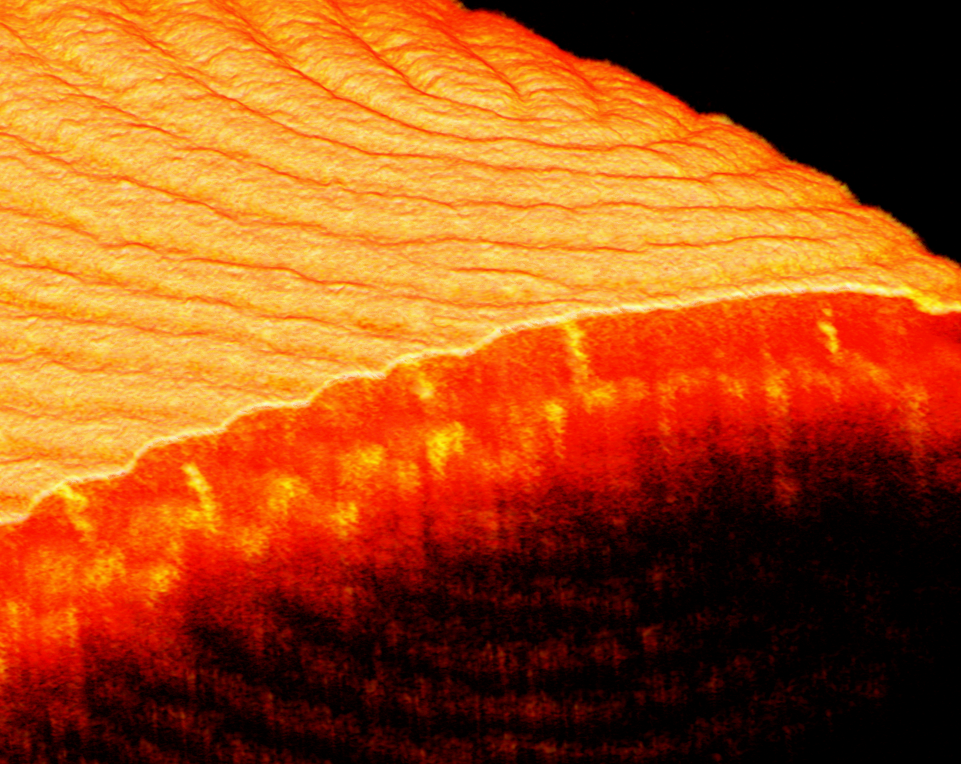
Santecʼs OCT Viewer software has been specifically designed for viewing OCT images in 3D. Clear and striking images are generated by simply importing the OCT data. The image can be rotated, trimmed and contrast adjusted using a variety of settings. This enables features to be optimized for image analysis. Images can be animated and saved to create impressive presentations showing the all aspects of the 3D image as the settings are adjusted.
01/01

